Creating a home office that feels cozy while also being functional can significantly boost your productivity and well-being. Whether you’re working remotely full-time or just need a dedicated space for personal projects, designing the right environment matters. Here are some thoughtful tips to help you create a home office that invites comfort and supports your workflow.
Choose the Right Location
The first step is selecting a spot that suits your needs. Ideally, pick a quiet area with minimal distractions and enough natural light. A corner in the living room, a spare bedroom, or even a section of your bedroom can work well.
Consider these factors:
– Natural Light: Bright spaces can improve mood and reduce eye strain.
– Privacy: Find a place away from household noise and traffic.
– Space: Make sure there’s enough room for your desk, chair, and storage.
Invest in Ergonomic Furniture
Comfort is key when you spend hours at your desk. Choose ergonomic furniture designed to support your body and promote good posture.
– Desk: Select one at the right height to keep wrists straight and shoulders relaxed.
– Chair: An adjustable chair with lumbar support can prevent back pain.
– Accessories: Use a footrest or keyboard tray if needed to increase comfort.
Organize Smartly to Maximize Functionality
Clutter can distract and stress you out. Keeping your workspace tidy and organized helps maintain focus.
Try these organizing tips:
– Floating Shelves: Use vertical space to store books, files, or décor.
– Drawer Organizers: Keep small items like pens and paperclips neatly separated.
– Cable Management: Use clips or sleeves to reduce tangled cords.
Personalize Your Space
Add a touch of personality to make your office feel welcoming and inspiring.
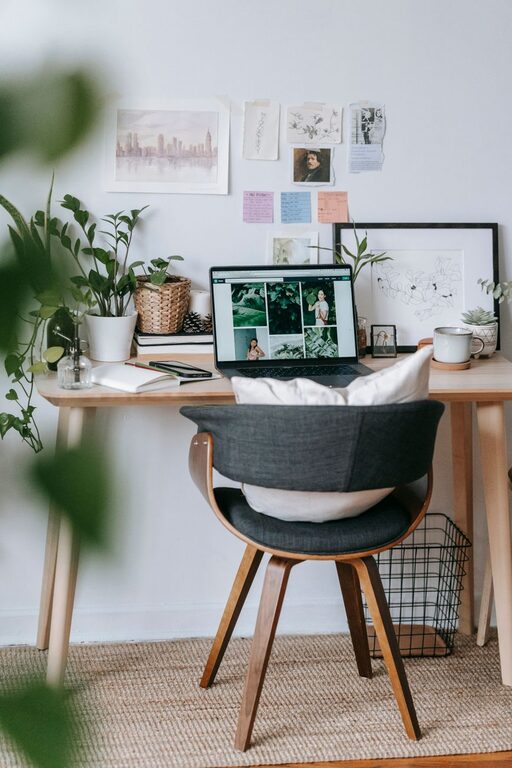
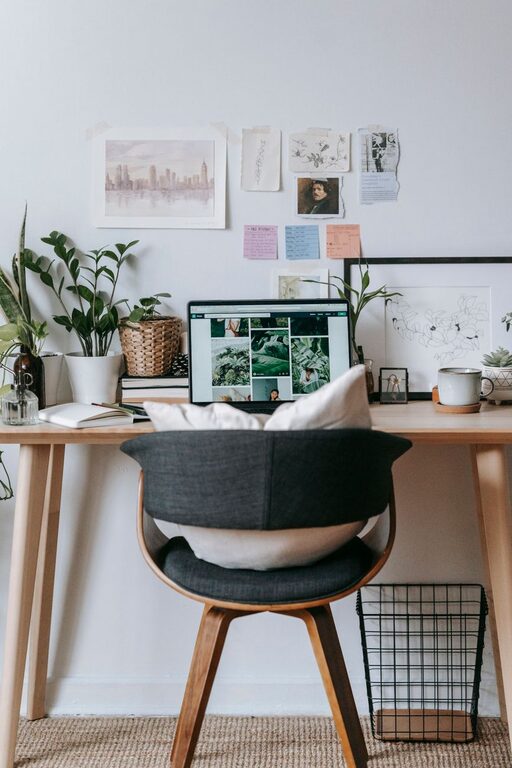
– Plants: Indoor greenery can purify the air and add calm.
– Artwork: Hang prints or photos that motivate and please you.
– Rugs or Cushions: Add warmth and texture to the room.
Optimize Lighting
Good lighting reduces eye strain and sets the mood. Combine natural light with artificial sources for balance.
– Task Lighting: A desk lamp with adjustable brightness is essential.
– Ambient Lighting: Use soft overhead lights or floor lamps for general illumination.
– Avoid Glare: Position screens and lights to prevent reflections on your monitor.
Create Zones for Different Tasks
If your space allows, separate areas for different activities can enhance efficiency.
– Work Zone: Your desk and immediate tools.
– Reading/Break Area: A comfortable chair or nook for reading and resting.
– Storage Zone: Shelves, filing cabinets, or closets for documents and supplies.
Maintain Good Air Quality and Temperature
A fresh and comfortable atmosphere helps you stay alert and focused.
– Ventilation: Open windows when possible or use a fan or air purifier.
– Temperature Control: Keep the room at a comfortable temperature—neither too hot nor too cold.
Set Boundaries and Keep It Professional
Even at home, setting mental and physical boundaries helps you maintain work-life balance.
– Door Signs: Put a sign on your office door when you need quiet or privacy.
– Work Hours: Try to stick to a regular schedule to separate work time from leisure.
– Dress the Part: Dressing for work can boost your mindset and productivity.
Final Thoughts
Designing a cozy and functional home office doesn’t require a big budget or lots of space. Focus on comfort, organization, and personalization to create a workspace that feels just right for you. When your environment supports your needs, your work will flow more smoothly — making every day a little easier and more enjoyable.